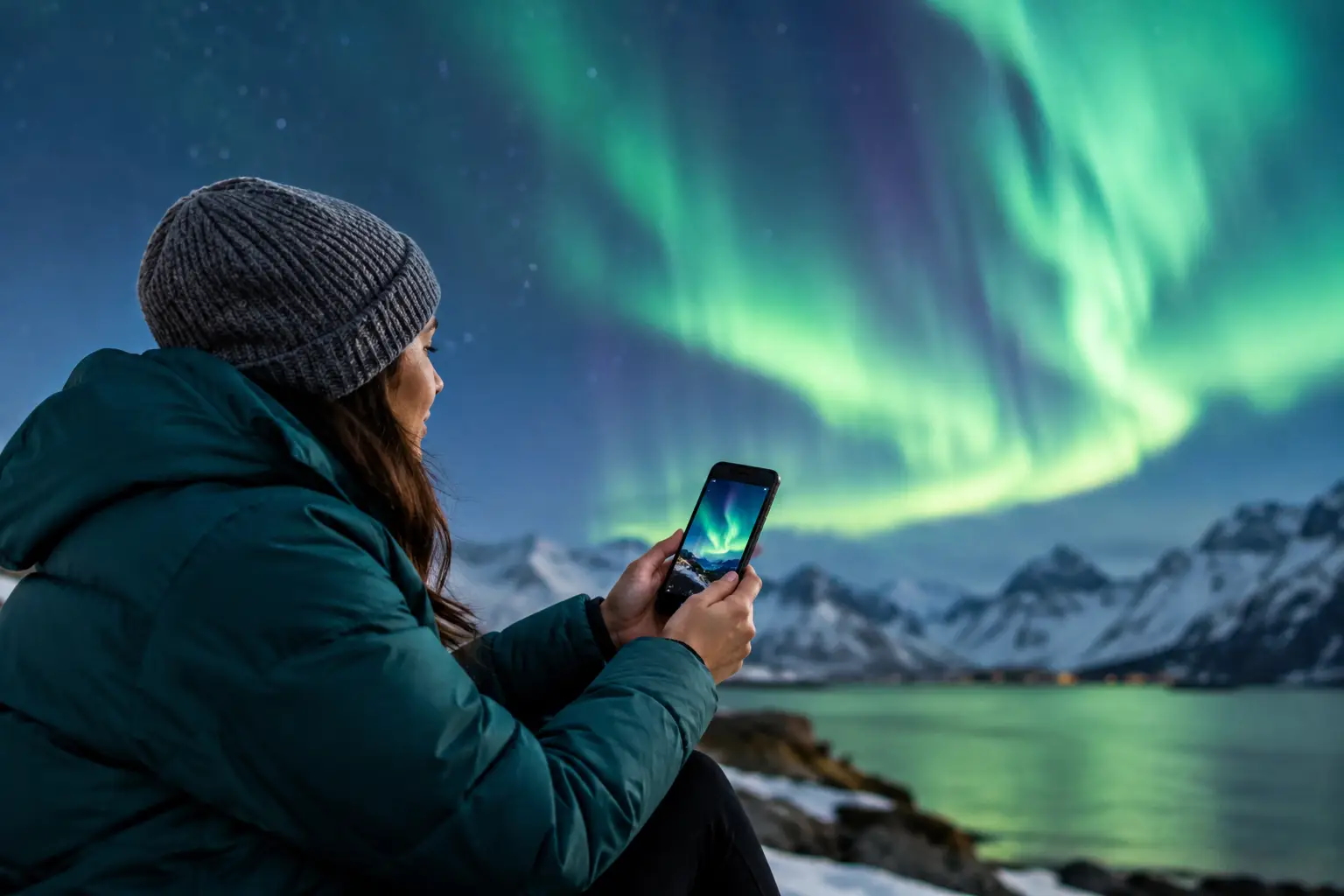
A clear sky can turn into a serious Northern Lights opportunity fast, but only if you know about it in time. So, do aurora alerts need internet? For most app-based alerts, yes. Your phone needs an internet connection, usually cellular data or Wi-Fi, to receive new space-weather data and push notifications. The good news is that you can still prepare for an aurora night when service is unreliable.
For travelers driving Iceland's quieter roads, staying in a remote cabin in northern Norway, or camping beyond town lights in Alaska, the difference matters. A forecast you checked hours ago may no longer reflect the solar wind, cloud cover, or weather overhead. Treat internet access as part of your aurora viewing plan, not an afterthought.
Do Aurora Alerts Need Internet to Work?
Most aurora alerts work in two stages. First, forecast systems receive updated measurements from satellites, weather models, and cloud forecasts. Then, an app sends a notification to your phone when conditions meet the alert settings you selected. Both stages depend on data connections somewhere, and the second usually requires your phone to be online.
If your phone has no Wi-Fi and no cellular signal, it generally cannot receive a new push alert. The alert may be delivered when you reconnect, but by then the best display may have already faded. This is particularly relevant during active solar conditions, when the aurora can strengthen or weaken within a short period.
An app can still show information it downloaded before you lost service. That information is useful as a reference, but it is not live. Check the timestamp. A strong-looking forecast from earlier in the evening should not be treated as a current green light if the data are now an hour old.
What works without internet
Several parts of an aurora trip do not require a live connection. Your phone's GPS can usually identify your location without cellular data, although map details may not load unless you downloaded offline maps in advance. Your camera, tripod, headlamp, warm layers, and route plan work just fine offline.
You can also save a location's forecast before leaving your hotel or town. Note the expected cloud cover, moon phase, local weather, sunset timing, and the likely best viewing window. These details will help you make a better decision if you lose signal later.
What does not work reliably offline is the part that makes an alert truly time-sensitive: updated solar wind conditions, the current direction of the interplanetary magnetic field, fresh cloud data, and a notification that activity has changed.
Why a KP Index Alert Is Not Enough
Some basic services send alerts based mainly on the KP Index. KP is a useful broad indicator of geomagnetic activity, but it is not a live visibility forecast for your exact location. It is updated in intervals, reflects global geomagnetic disturbance, and cannot tell you whether clouds are covering the sky above your viewing spot.
A better decision requires several moving pieces. Solar wind speed and density help show how much energy is available. IMF Bz describes the magnetic-field orientation in the solar wind. When Bz turns southward, conditions are generally more favorable for energy to enter Earth's magnetic environment. Neither metric guarantees visible aurora, but together they offer much more immediate context than KP alone.
Then comes the local reality. Heavy cloud cover can hide a strong display completely. Bright moonlight may reduce contrast, especially for faint aurora, while wind, rain, road conditions, and poor visibility can make a remote drive a bad choice. This is why travelers should never chase a single number.
AuroraVision combines a Live Aurora Score with real-time solar wind, IMF Bz, KP, cloud cover, moon phase, and weather. The goal is not to promise that the lights will appear. It is to help you answer the practical question: is it worth going outside or driving to a darker, clearer location right now?
Plan for the Gap Between Alerts
Remote areas are often where the sky is darkest and the cell signal is weakest. Before heading out, check whether your planned route has coverage. In Iceland, for example, some scenic stretches outside populated areas can have patchy service. The same applies to mountain roads, coastal routes, and national-park areas across the Arctic.
Do not wait until you are parked in the dark to organize the basics. Download offline maps, save the address or GPS coordinates of your lodging, and identify safe pullouts before sunset. Avoid stopping on narrow roads or private driveways simply because the sky suddenly brightens.
If your accommodation has Wi-Fi, set your alert preferences before leaving and check the latest conditions near departure time. A forecast that shows clearing skies later may justify staying close to your lodging for an hour instead of making a long drive immediately. If clouds are moving in from the coast, a short reposition toward clearer inland conditions may be smarter, provided roads and weather are safe.
Use a scheduled check, not only an alert
Alerts are helpful, but they should not be your only plan. On a promising night, build a simple checking routine. Look at live conditions before dinner, again around local darkness, and once more before you commit to a longer drive. If you are in a low-signal area, use the last connected update to decide whether it makes sense to wait outside for a while.
Aurora activity can persist even when a notification does not arrive. Your phone may have battery-saving settings that delay background activity, a weak signal may prevent delivery, or your alert threshold may be set higher than the aurora currently reaches. If the sky is clear and conditions looked favorable recently, step outside and look north, then scan the full sky. Early aurora can appear as a faint gray-green arc or a subtle band that your camera reveals more clearly than your eyes.
Cellular Data, Wi-Fi, SMS, and Satellite Devices
Wi-Fi and cellular data both allow most aurora apps to update and receive push notifications. Hotel Wi-Fi is usually enough to review conditions and set up the evening. Cellular data is more useful once you are on the road, but international roaming limits and weak coverage can become practical constraints.
Text-message alerts are different, but they are not automatically more reliable. Standard SMS needs a cellular connection. Some phones may receive SMS with a weaker signal than is needed for fast data, but delivery is not guaranteed in remote terrain. Do not assume that a text alert will reach you where an app notification cannot.
Satellite communicators can add safety and communication options on remote trips, but most are not designed to deliver the same continuously updated aurora dashboards found in a smartphone app. They are valuable for emergency planning, not a replacement for checking live aurora and weather data before you leave coverage.
If you are traveling as a group, designate one person to monitor conditions while everyone still has a connection. Share the viewing plan, meeting point, and return time before splitting up. This is especially useful for photographers who may choose a darker site while others prefer to remain near the hotel.
Keep Your Phone Ready for a Cold Aurora Night
Internet access is only useful if your phone stays powered. Cold batteries drain faster, especially when your screen is bright, GPS is active, and the camera is running long exposures. Keep your phone in an inside pocket when you are not using it, bring a charged power bank, and use a cable that works in low temperatures.
Turn on notifications for the app before the evening begins, then confirm your phone is not in a mode that blocks them. Focus or sleep modes, disabled background refresh, and aggressive battery optimization can all delay alerts. If you need to preserve power, reduce screen brightness and download what you need before leaving Wi-Fi rather than disabling data entirely.
A live alert can prompt you to act, but your own eyes still make the final call. When skies are clear, spend time outside, let your vision adjust, and keep checking the horizon. The Northern Lights do not follow a schedule, and the best nights often reward travelers who are prepared before the notification arrives.
Before you head into a low-coverage area, check the Live Score, clouds, weather, and the latest solar-wind trend while you still have service. Then drive safely, stay warm, and give the sky enough time to surprise you.