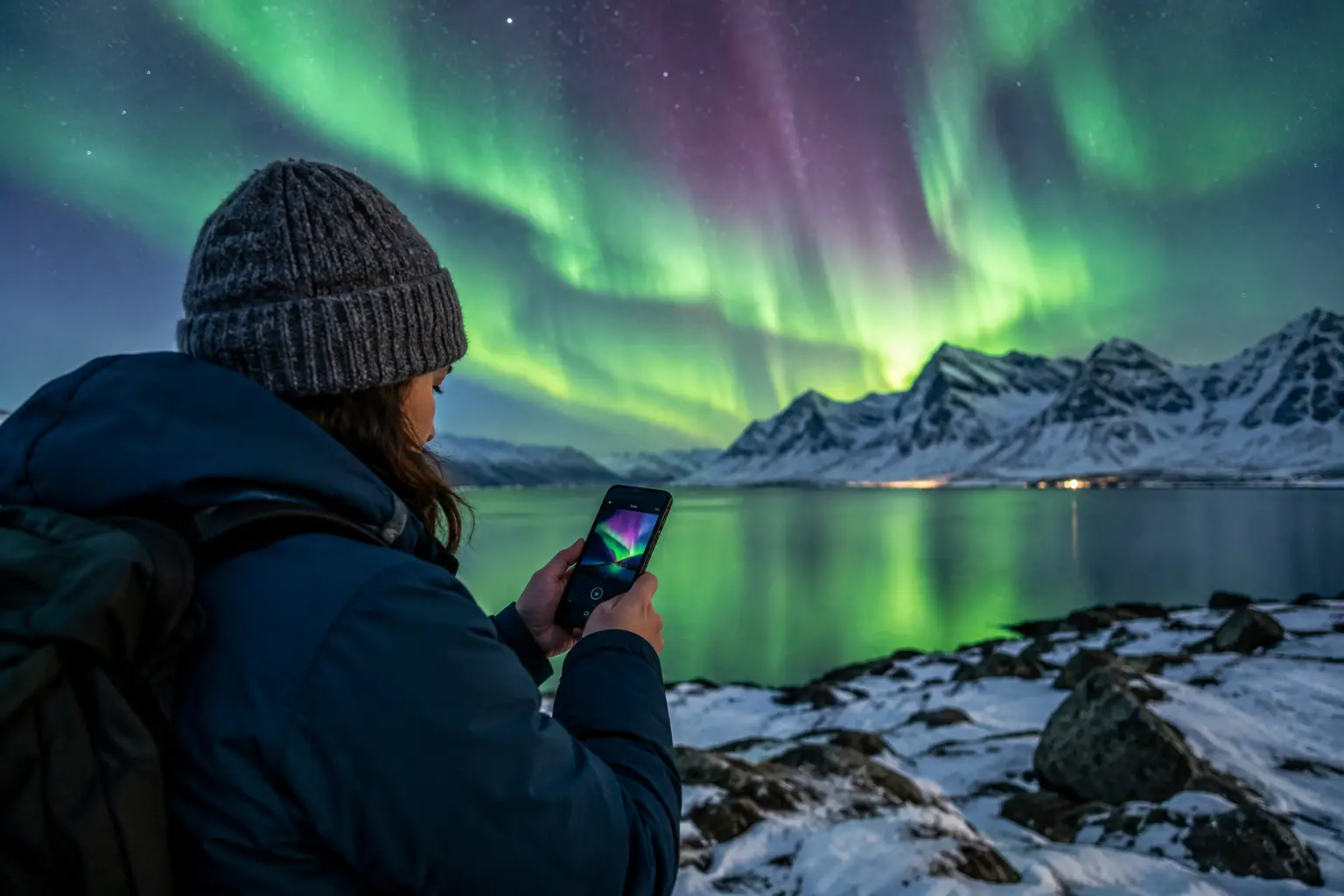
A 2:00 a.m. alert is only useful if it tells you something you can act on. The best aurora alert settings do not promise a show every time your phone buzzes. They filter out weak, cloudy, poorly timed opportunities and flag the moments when the Northern Lights are genuinely worth stepping outside, starting the car, or waking up your travel partner.
For travelers, this matters more than chasing a single number. A high KP Index can look exciting, but it cannot clear the clouds over your hotel, account for a bright moon in a dark-sky location, or tell you whether the solar wind has just strengthened. Alerts work best when they reflect the full visibility picture.
Start With the Question: What Would Make You Go?
Before choosing a threshold, decide what an alert needs to mean for you. If you are staying outside Tromso with a rental car and open horizons, you may be happy to respond to a moderate chance. If you are in central Reykjavik with a 45-minute drive to darker skies, you need a stronger signal before leaving a warm room.
Your alert threshold should match three practical factors: how quickly you can reach a viewing spot, how much sleep you are willing to lose, and how many nights remain in your trip. A visitor with one clear night in Iceland may reasonably choose more frequent alerts. Someone spending a week in Finnish Lapland can wait for the better opportunities.
Avoid setting every notification to the highest sensitivity on your first night. Repeated low-value alerts create alert fatigue. Once you start dismissing notifications without checking the sky, the one message that matters may be ignored.
Aurora Alert Settings Should Follow Conditions, Not KP Alone
KP measures global geomagnetic activity on a scale from 0 to 9. It is useful context, especially for judging how far south the aurora might be visible, but it is not a local visibility forecast. Near the Arctic, people can see a satisfying display during modest KP activity when the sky is clear and solar wind conditions are favorable.
A practical alert system considers several inputs together. Solar wind speed indicates how quickly charged particles are arriving from the Sun. Density adds information about the amount of material available to interact with Earth's magnetic field. IMF Bz describes the orientation of the interplanetary magnetic field. When Bz turns southward, it can improve the transfer of energy into Earth's magnetic environment and raise aurora potential.
Then comes the part that determines whether you see anything from the ground: cloud cover, weather, local darkness, and moonlight. A powerful geomagnetic event behind thick cloud is not a viewing opportunity. Conversely, a clear, dark sky can make a modest aurora memorable.
AuroraVision brings these moving pieces together through its Live Aurora Score, alongside real-time solar wind, IMF Bz, KP, cloud cover, moon phase, and weather. That combined view is far more useful for setting expectations than a KP notification alone.
Choose an Alert Level for Your Trip Style
There is no universal “correct” sensitivity. Think of alerts as a balance between catching more possibilities and receiving fewer interruptions.
Low threshold: for short trips and keen photographers
Choose a lower threshold if you have limited time, can view the sky from your accommodation, or want to capture every possible photographic opportunity. Cameras can record faint structure and color that may look subtle to the eye, so photographers often benefit from an earlier heads-up.
This setting is also useful when conditions can change quickly. A faint arc may strengthen, active bands may move into view, or a brief cloud break may open at exactly the right time. The trade-off is more notifications that do not become a major display.
Medium threshold: the best default for most travelers
A medium setting suits most first-time aurora travelers. It aims to alert you when multiple factors are moving in the right direction, without waking you for every marginal signal. Use this if you need to get dressed, walk outside, or drive a short distance to a darker viewing location.
This is a sensible starting point for guided tour guests as well. Your operator will make the final call on departure and route changes, but your own alert can help you understand why the evening looks promising and prepare before pickup.
High threshold: for sleep protection and long stays
Set a high threshold when you are staying for many nights, traveling with young children, or only want alerts for strong prospects. It is a useful choice if your viewing site requires a long drive or you need to be rested for an early tour, flight, or road-trip day.
The drawback is obvious: you may miss a beautiful but moderate display under clear skies. In places such as northern Norway, Swedish Lapland, or interior Alaska, moderate activity can still be well worth seeing when local conditions are excellent.
Use Timing Windows to Avoid Pointless Notifications
An alert without a time window is a recipe for bad sleep. Set your notifications only during the local hours when you are prepared to respond. For many Arctic destinations, the useful window can run from evening until after midnight, though aurora activity can occur at any dark hour.
If your accommodation has a balcony, open view, or easy outdoor access, a wider window makes sense. If you need to drive mountain roads, cross icy parking lots, or wake children, narrow the window to the period you are truly willing to act.
Keep seasonal darkness in mind. In late fall and midwinter, there may be long dark periods. Near the edges of the season, twilight can reduce contrast even when space-weather conditions are active. An alert should lead to a realistic viewing decision, not merely report solar activity.
Add Cloud Cover as a Non-Negotiable Filter
Cloud cover is often the deciding factor on a Northern Lights trip. A forecast can look excellent on the space-weather side and still produce no visible aurora at your location if low clouds fill the sky.
If your app allows weather-aware alerts, favor notifications when cloud cover is low or improving. Do not treat this as an absolute rule. Broken clouds can create openings, and conditions vary over short distances in Iceland, the Faroe Islands, and coastal Norway. A cloud map may show clearer skies an hour away, making a rental car or guided chase tour more valuable than waiting at your hotel.
For travelers without independent transportation, choose accommodations with access to dark outdoor space and a broad northern horizon. A clear five-minute walk is more useful than a theoretically better forecast across town.
Adjust for Moonlight and Your Viewing Environment
The moon does not stop the aurora. It does, however, brighten the sky and reduce contrast, particularly for faint displays and photography. Under a full moon, a strong aurora can still be spectacular, while weak activity may be harder to detect with the naked eye.
In bright moonlight, consider raising your alert threshold slightly if you are in a light-polluted area. In a remote location with very dark surroundings, you can keep it lower. The same principle applies to city lights: a modest aurora visible from a dark lake shore may be invisible from a downtown street.
Photographers should not automatically reject moonlit nights. Moonlight can illuminate snow, mountains, cabins, and foreground details, producing more balanced images. It simply changes what counts as a worthwhile alert.
Build a Response Plan Before the Alert Arrives
The fastest way to miss the moment is to decide what to do after your phone buzzes. Prepare your outer layers, boots, gloves, headlamp, camera battery, and tripod before evening. Save a nearby viewing location offline, check road conditions, and keep fuel in the car if you plan to drive.
When an alert arrives, look outside first. If the sky is clear, give your eyes several minutes to adjust. Search north, but scan the whole sky during stronger activity. Early aurora can resemble a pale gray or greenish band rather than the bright ribbons seen in edited photographs.
If clouds are present, check whether they are moving or whether a clearer area is reachable safely. Never let a notification push you into hazardous winter driving. A guided Northern Lights tour can be the better choice when you are unfamiliar with local roads or do not want to make real-time weather decisions yourself.
Review Your Settings After Each Night
Treat the first few nights as calibration. Were alerts too frequent? Did they arrive after the best activity had already started? Did clear skies make lower scores more rewarding than expected? Adjust one variable at a time so you learn what works for your location and travel style.
The goal is not to find a magic number. It is to make your phone a practical field tool: quiet when the odds are poor, useful when conditions improve, and ready to help you step outside before the sky changes again.